The back office
The back office is where the whole business is set up: branches, users, devices, products and reports. Open it in a browser or on the till.
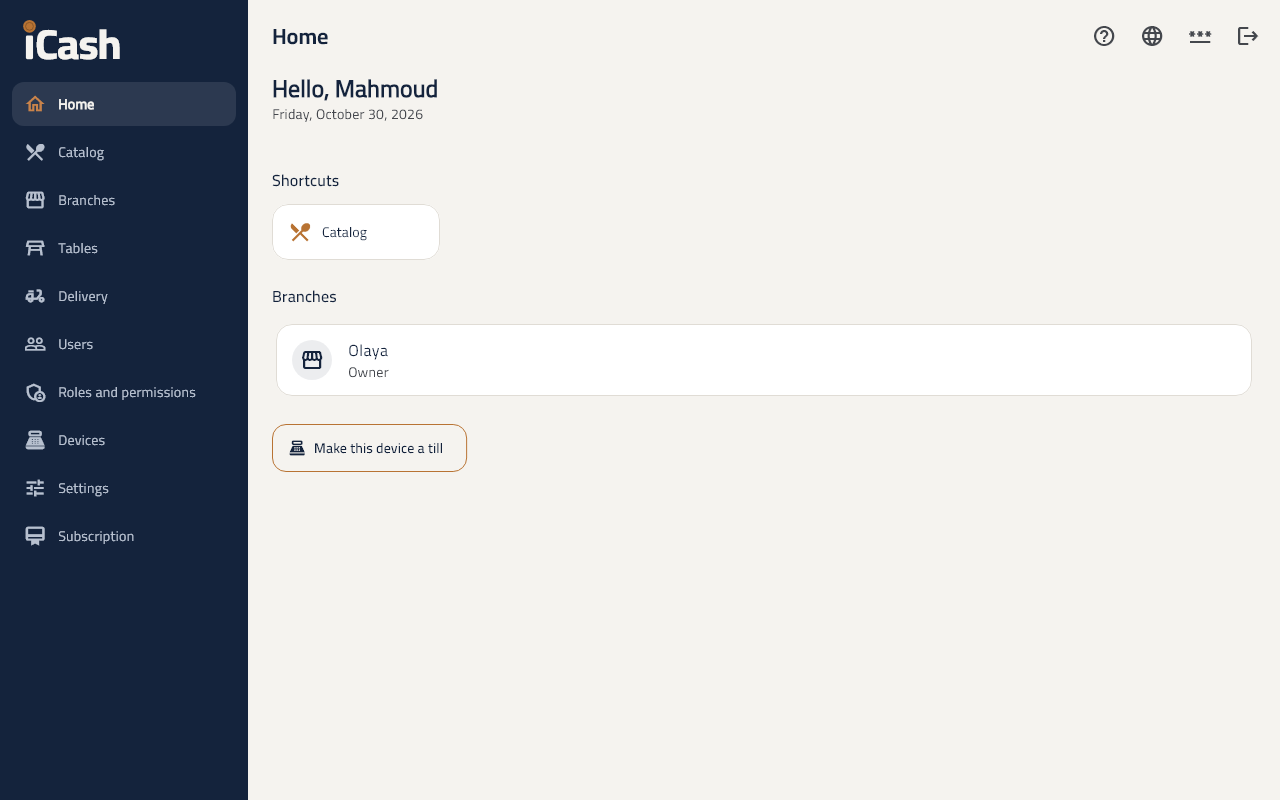
When you start
- In Settings type the business's name, VAT number and address as they show on the receipt.
- In Catalog add your categories, products and prices.
- In Users add the cashier and give them a PIN to sign in with.
- In Devices register the till, then open a shift on it and start selling.
Ask about your business
- On the home page type your question in Ask about your business, such as "What sold most this week?", or tap one of the suggested questions.
- The AI answers from your reports for the last eight weeks and names the figures it used.
- Each question uses 1 AI credit; it shows for those who may view reports.
Users and permissions
- In Roles and permissions you set what each role may do, such as the discount limit and voiding orders.
Change the language
- Tap the language button at the top to switch between Arabic and English.
Help
- The ? on every screen opens its help, with a search across every help page.