Reports
This is where you see how the business is doing: sales, profit, stock and VAT, for any period and any branch.
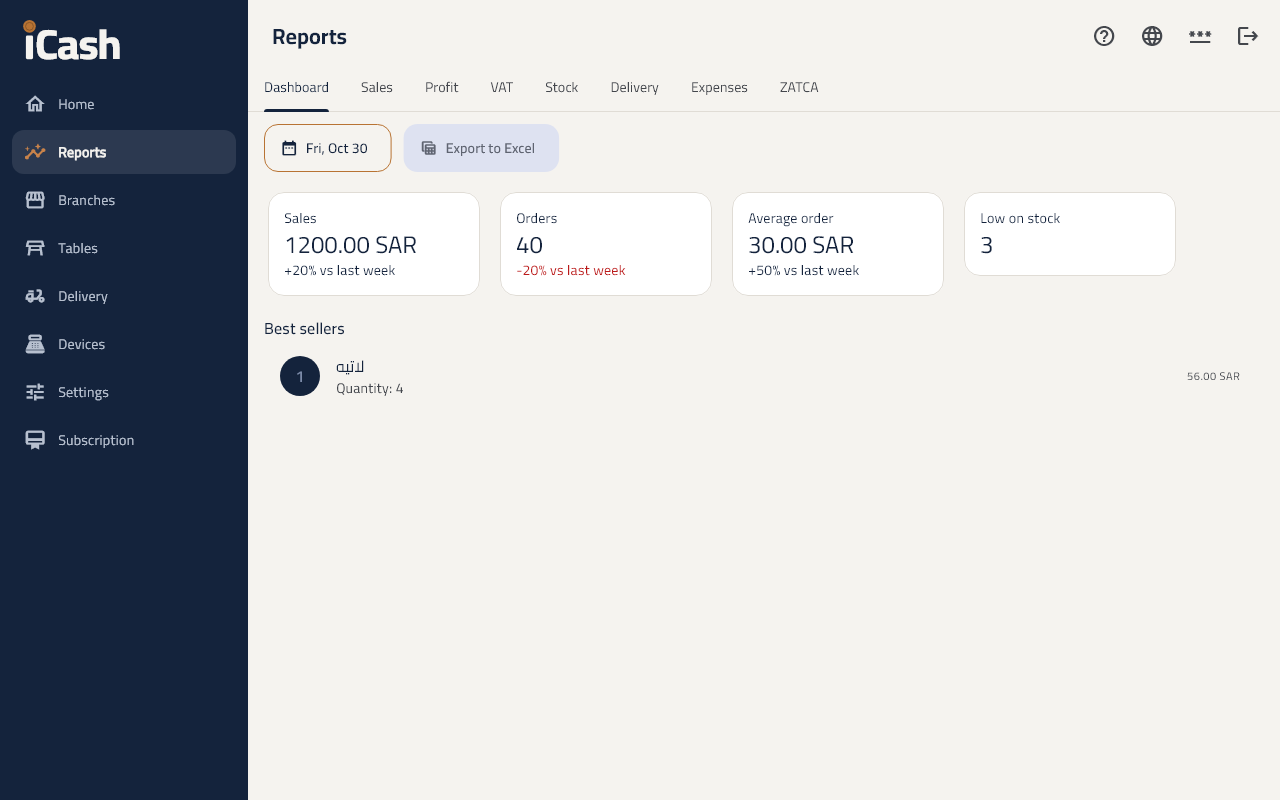
A quick look at today
- Open Reports, then the Dashboard tab: today's sales, the number of orders and the best sellers.
The sales report
- Open the Sales tab.
- Choose the period and the branch.
- You see the sales by day, product, cashier and payment method, with the refunds and the voided orders.
Profit
- The Profit tab shows the sales less the products' cost, by product and category.
VAT
- The VAT tab shows the VAT on sales and purchases for the period, for the VAT return.
Export to Excel
- In any report tap Export to Excel; the file is saved to your downloads.