Stock
This is where you see what each branch holds, receive goods from suppliers, count the stock and move it between branches.
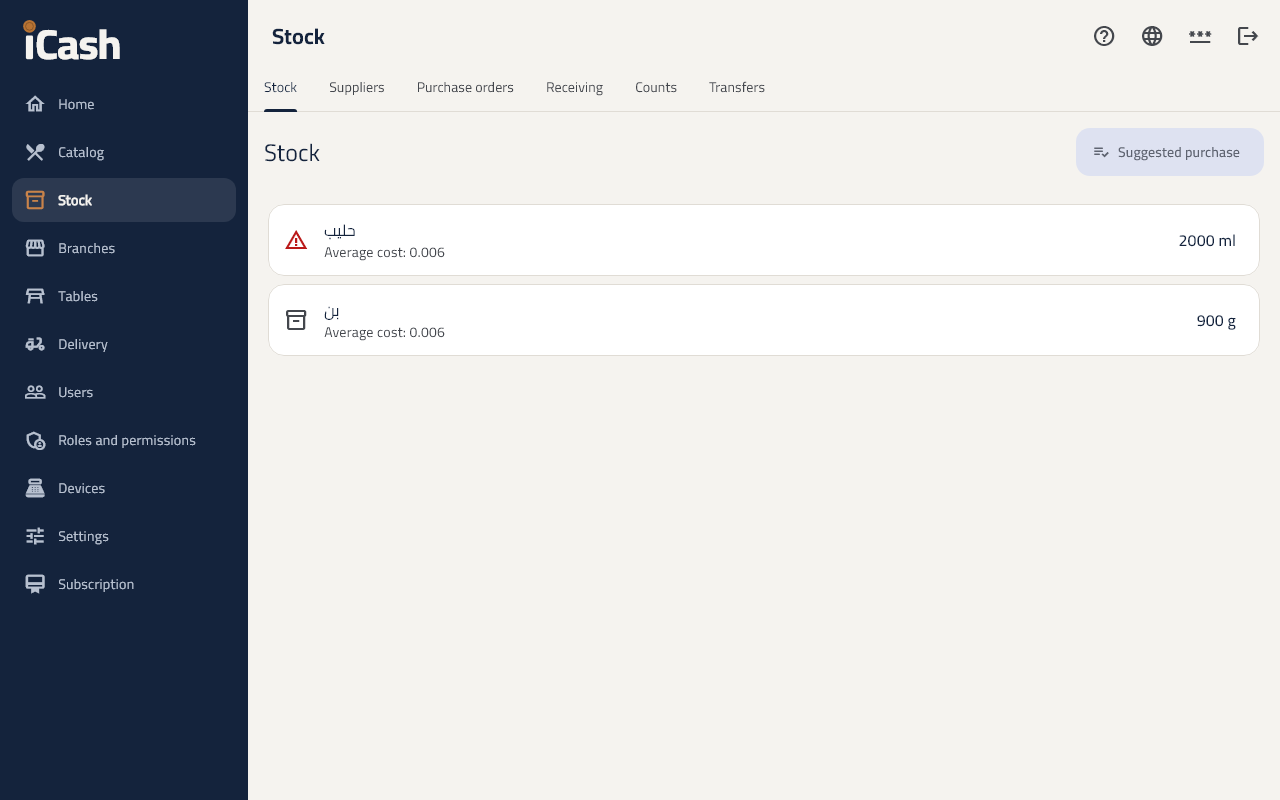
See what you have
- In the menu choose Stock, then the Stock tab.
- Search for a product to see how much the branch holds. Products running low show in another colour.
Receive goods from a supplier
- Open the Receiving tab and tap Receive goods.
- Choose the supplier and type their invoice number and date.
- Add the products, the quantities and the buying price, then tap Save receiving. The stock goes up at once.
Count the stock
- Open the Counts tab and tap New count, then Start count.
- Type the counted quantity of each product.
- Tap Approve count: the stock is corrected; a large difference needs a note.
Move stock between branches
- Open the Transfers tab and choose the branch it goes to and the products.
- The other branch taps Receive when they arrive.
Suppliers and purchase orders
- In the Suppliers tab you add suppliers; in Purchase orders you order from them, then receive the order.