Users and permissions
This is where you add who works on the system and set what each one may do.
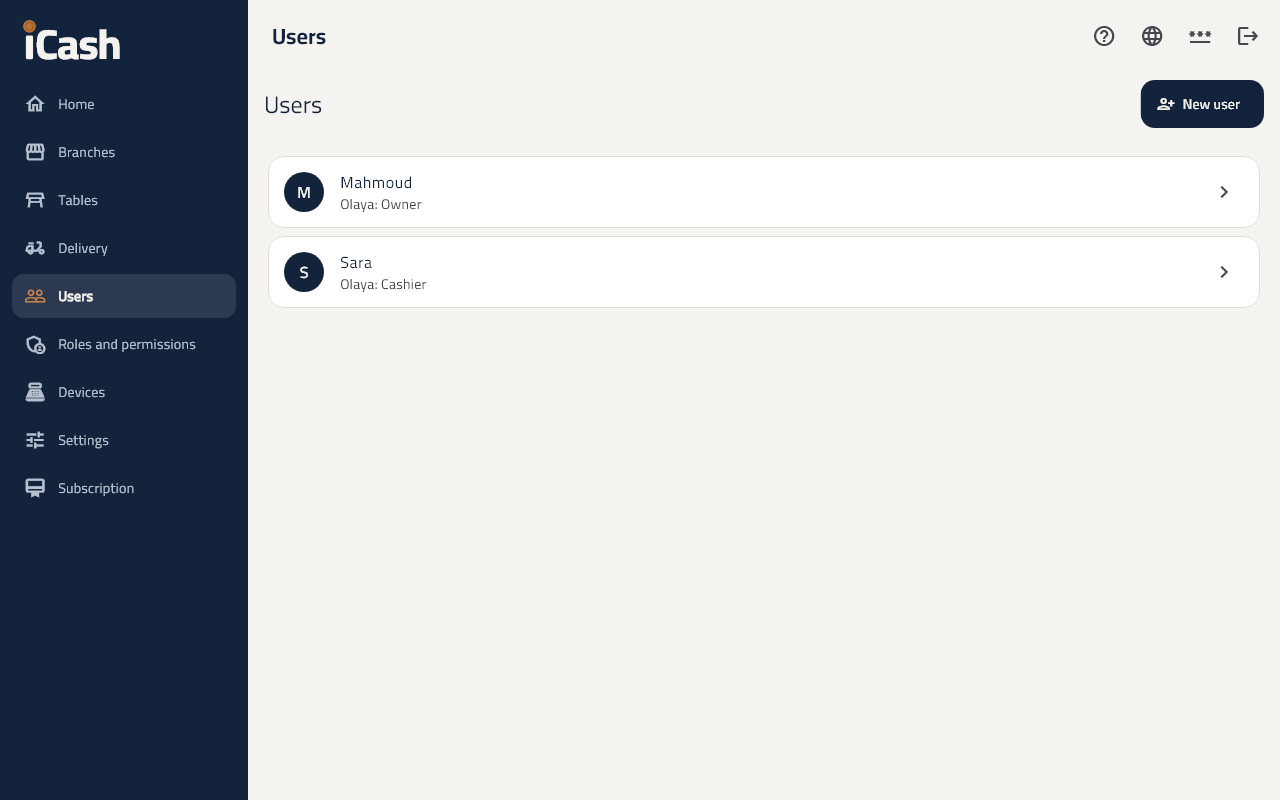
Add a user
- In the menu choose Users and tap New user.
- Type the Name, and choose the Branch and Role.
- Type a PIN (4 to 6 digits) to sign in at the till.
- For someone using the back office: an e-mail or mobile and a Temporary password changed at the first sign-in.
Roles
- Under Roles and permissions you see the ready roles: manager, cashier, waiter, kitchen.
- A New role for a role of your own; choose its permissions and the Largest discount without approval.
- The owner always has every permission.
A permission for one person
- On the user's page, Permissions beyond the role gives or takes away a permission for them alone.
Stop a user
- Tap Deactivate when they leave; they cannot sign in, and their name stays in the records.