Expenses
This is where you record the business's expenses, such as rent, electricity and repairs, so they come off the profit and their VAT counts.
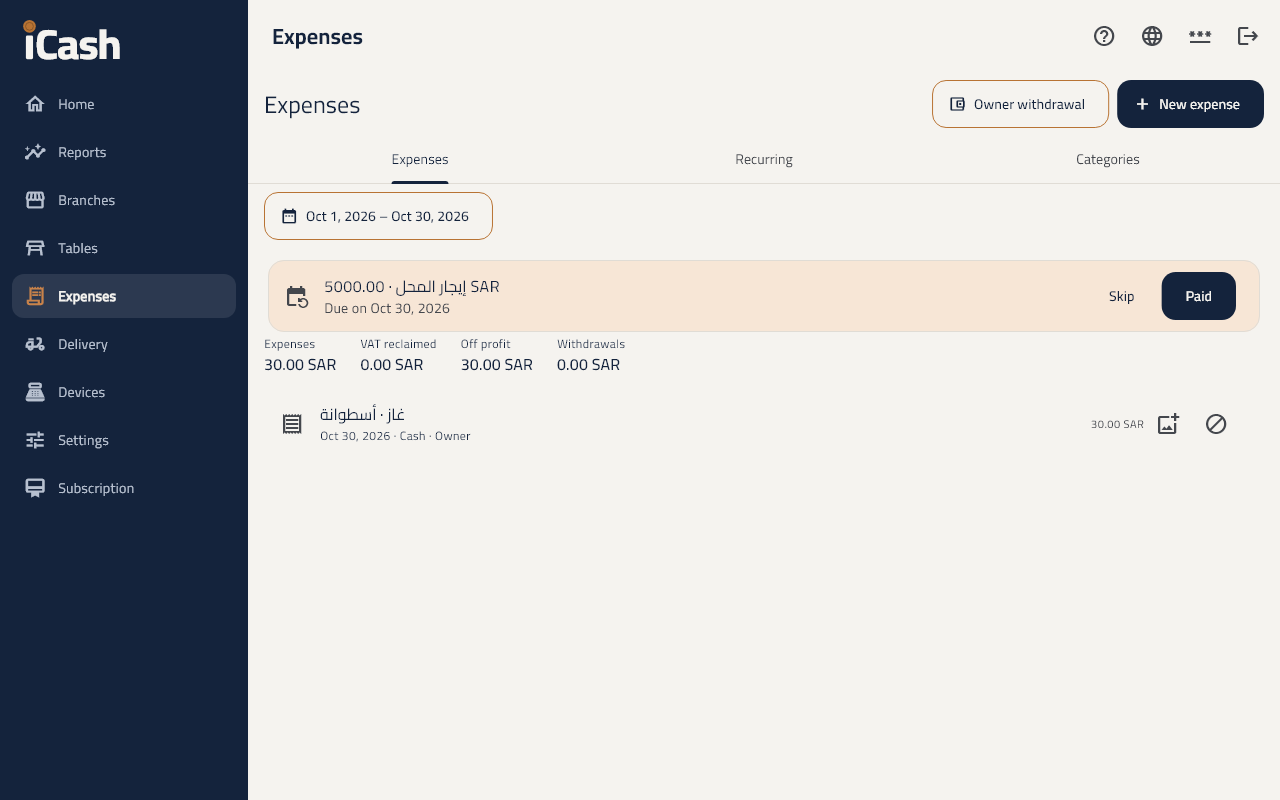
Record an expense
- In the menu choose Expenses and tap New expense.
- Choose the Category, and type the Description and the Amount including VAT.
- Choose how it was Paid from: cash, card, transfer.
- With a tax invoice, tick With a tax invoice (reclaim the VAT) and type the supplier's VAT number.
- You can Attach the receipt, then Save.
Categories
- Under Categories add a New category, and choose whether it is Deducted from profit.
Recurring expenses
- Under Recurring tap New recurring expense: the rent, say, Monthly or Weekly.
- When it falls due it shows as due; tap Paid or Skip.
Owner withdrawals
- What the owner takes for themself is recorded as an Owner withdrawal, and does not come off the profit.