The shift
A shift is a cashier's time on the drawer: it starts by counting the cash in it and ends by counting it again.
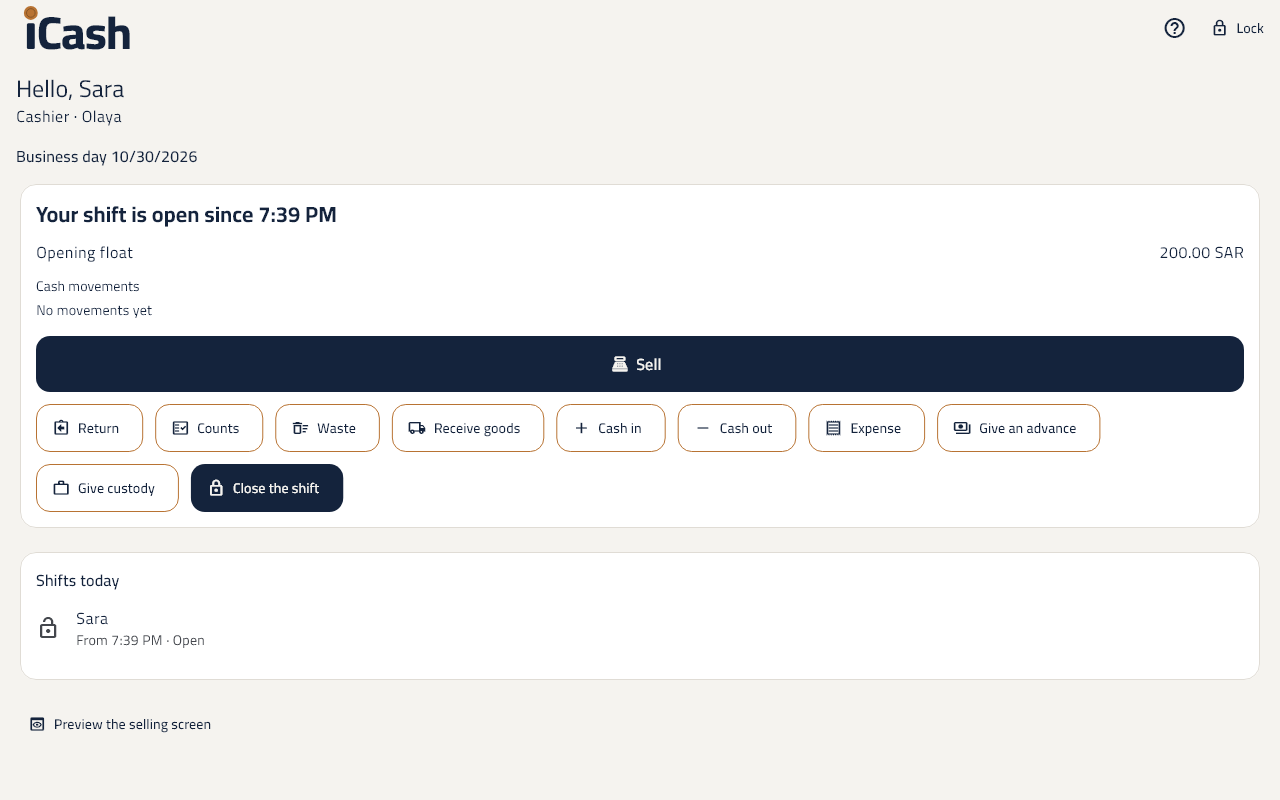
Open a shift
- On the till's screen tap Open a shift.
- Count the cash in the drawer and type it as the Opening float.
- Once open, tap Sell to start selling.
Cash in or cash out
- Tap Cash in when you put money in the drawer, e.g. change from the safe.
- Tap Cash out when you take money from it, e.g. to pay a supplier.
- Type the amount and the reason. Each one shows under Cash movements.
Close the shift
- Tap Close the shift.
- Count the cash in the drawer and type the Counted cash.
- The difference from what was expected shows, and the Z report shows, to print.
An X report during the shift
- Tap X report to see the shift's sales so far without closing it. It shows for those allowed to.
Lock the screen
- Tap Lock when you leave the till. The next cashier signs in with their PIN.