Customers
This is where you keep your customers: their details, their own prices, selling to them on account and their statement.
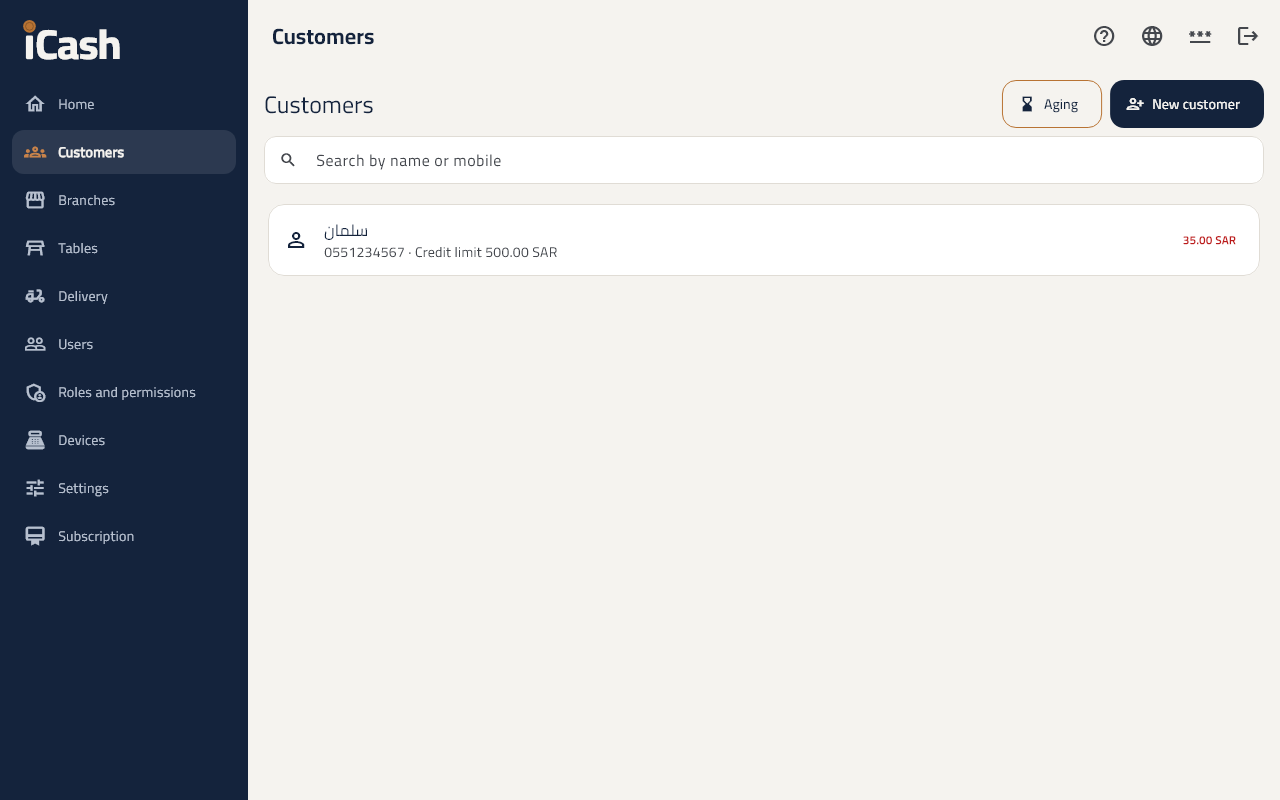
Add a customer
- In the menu choose Customers and tap New customer.
- Choose Person or Company, and type the Name and Mobile.
- For a company, type the VAT number, CR number and National address to give it a tax invoice.
- Tap Save.
Selling on account
- Under Prices and credit type the Credit limit. Empty means no credit sales.
- At the till, choose the customer on the order, then pay On account.
Record a payment from the customer
- Open the customer and tap Record a payment.
- Type the Amount and choose cash, card, bank transfer or cheque, then Save.
The statement and the aging
- On the customer's page open the Statement; you can Download PDF.
- On the customers' list open Aging to see who is late paying.