Settings
This is what changes how the system works: the receipt's details, VAT, printers, shifts and more.
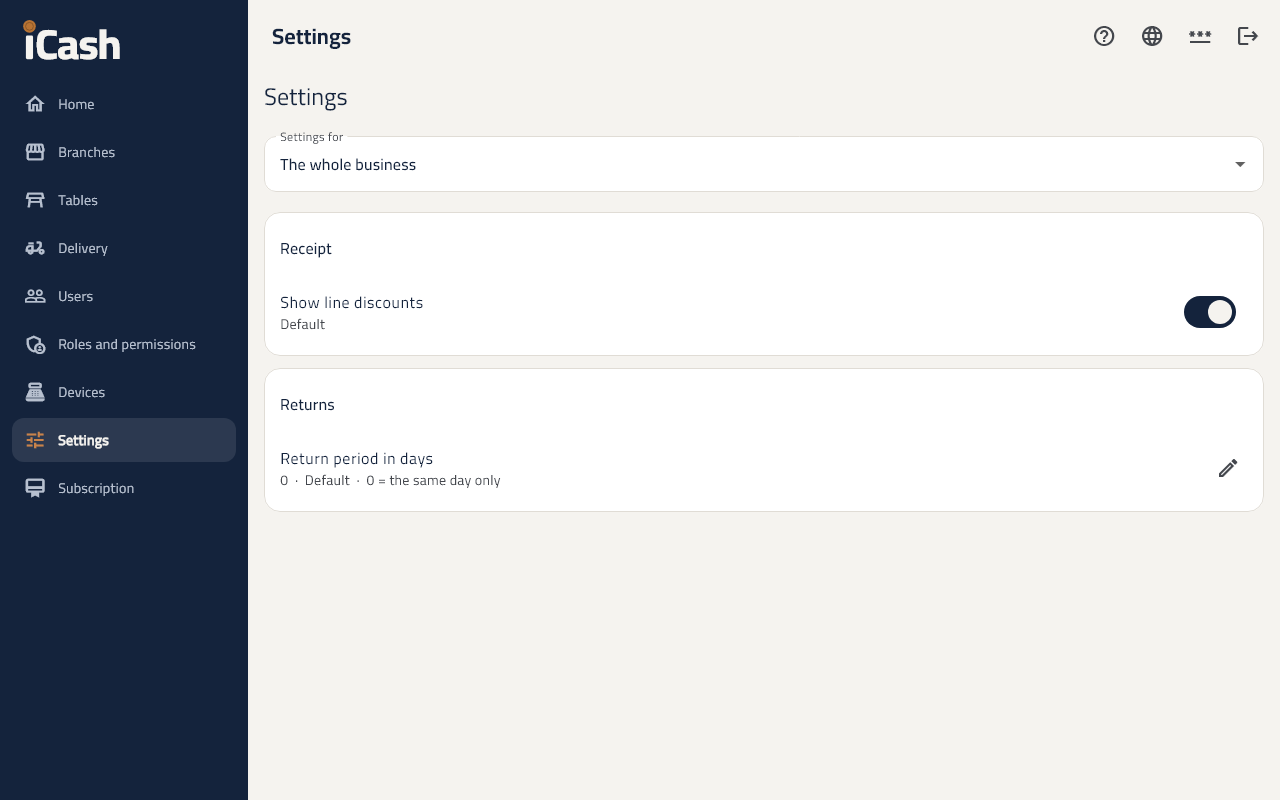
Setting levels
- Choose under Settings for: The whole business, a branch, or a device.
- A setting on a branch or device wins over the business's. Use the level above puts it back.
The receipt's details
- The business's name in Arabic and English, VAT number, CR number, address, and the thank-you line at the end.
Printers
- The network address of the receipt printer and of the kitchen and bar printers, e.g. 192.168.1.50.
Change a setting
- Find the setting in its section.
- Change the value and tap Save. Beside it shows where it comes from: Set here, From the business or Default.