Devices and branches
This is where the branches are, and the devices that work in them: tills, waiters' phones and kitchen screens.
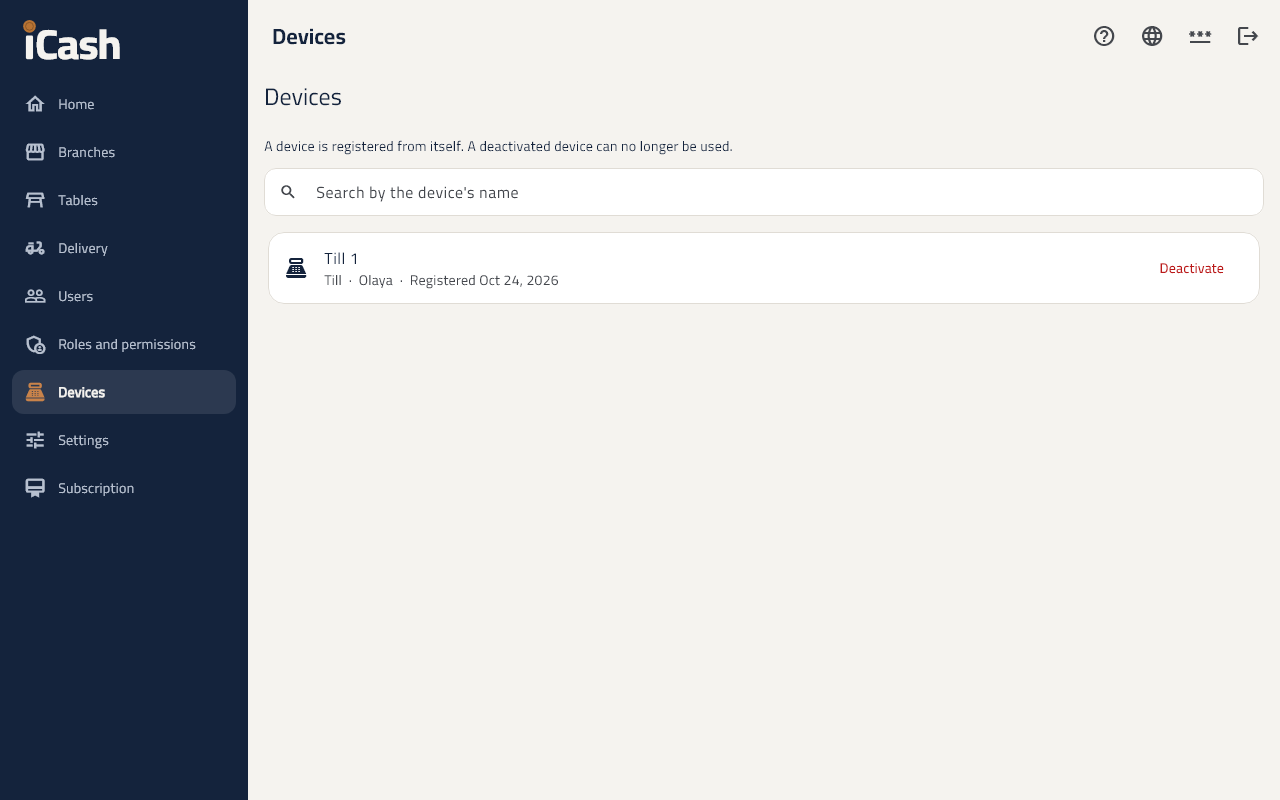
Register a till
- Open the back office on the device itself.
- On the home page tap Make this device a till.
- Type the Device name (Till 1) and tap Register.
A waiter's phone and a kitchen screen
- When registering, choose the kind of device: Till, Waiter's phone or Kitchen screen.
- For a kitchen screen choose the Station: kitchen or bar.
Stop a device
- Under Devices tap Deactivate on the device; it stops working at once.
Branches
- Under Branches tap New branch and type the Branch name.
- Add each branch's National address; ZATCA needs it.