Returns and exchanges
A customer brings back an item they bought: you refund them, or they exchange it for other items. A return needs the internet connection.
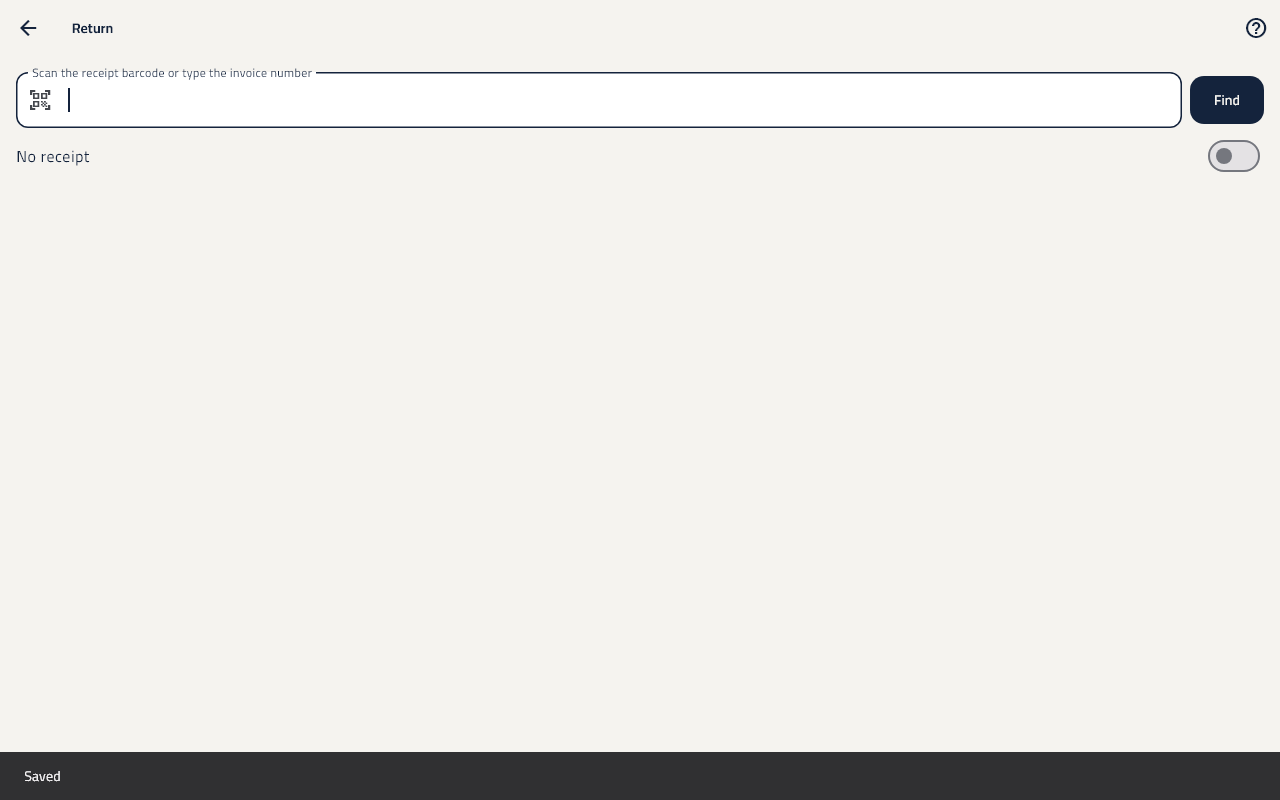
Return an item and refund
- On the till's screen tap Return.
- Scan the receipt's barcode or type the invoice number, then tap Find.
- Choose the items and how many come back, and choose the Reason.
- Choose whether each goes Back to stock or is Damaged.
- Tap Refund, then Confirm return. The money goes back the way it was paid.
Exchange
- Find the invoice and choose the items coming back, as above.
- Tap Exchange, then Pick the new items.
- The customer pays only the difference, or keeps Exchange credit to use later.
Print the credit note
- After the return, tap Print credit note for the customer.