The waiter's phone
The waiter takes orders on their phone at the table, and they reach the kitchen straight away.
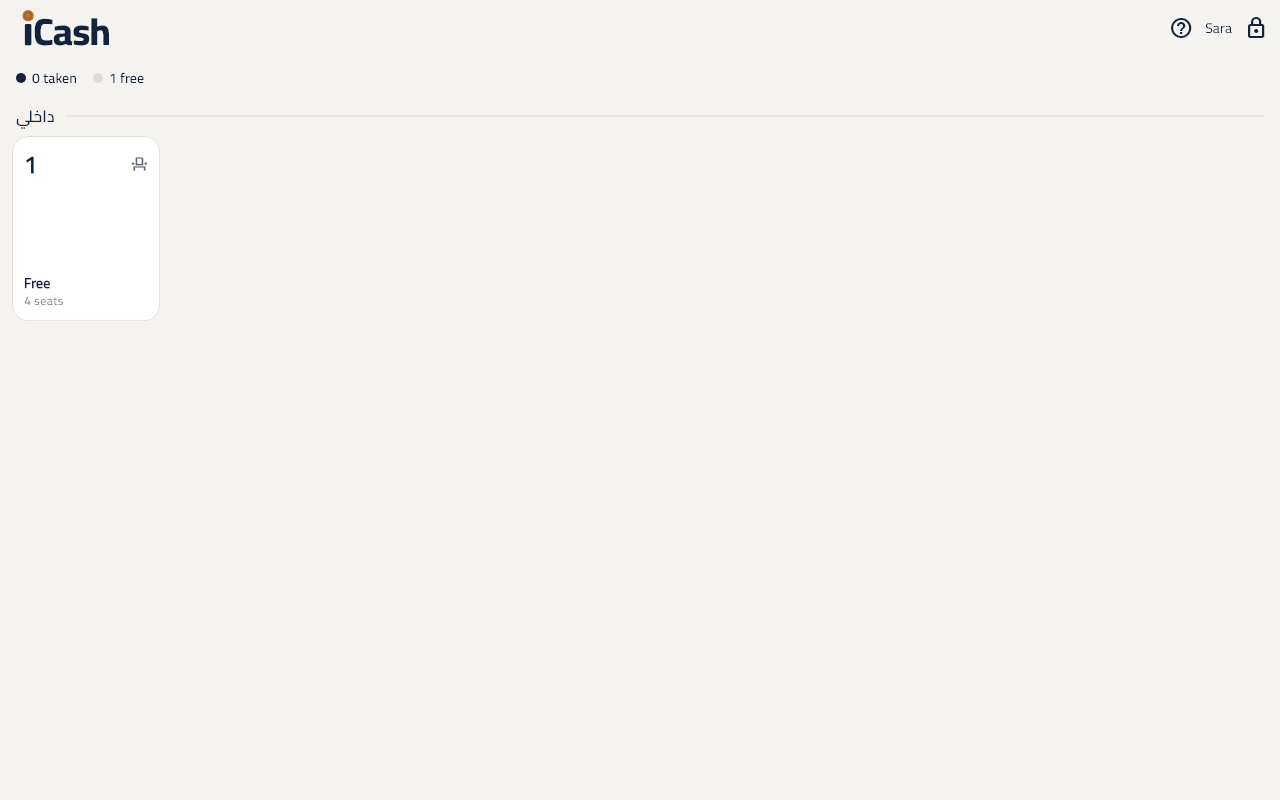
Sign in
- The waiter picks their name and types their PIN.
- The tables show: Free or taken, and for how long.
Take an order
- Tap the table, then Add items.
- Pick the items and modifiers, then Done.
- Tap Send: they print in the kitchen and bar, or show on their screens.
When the order is ready
- A Ready ✓ mark shows on the item to serve it.
Lock the phone
- Tap Lock when you leave it; the next waiter signs in with their PIN.